01
Find the starting point.
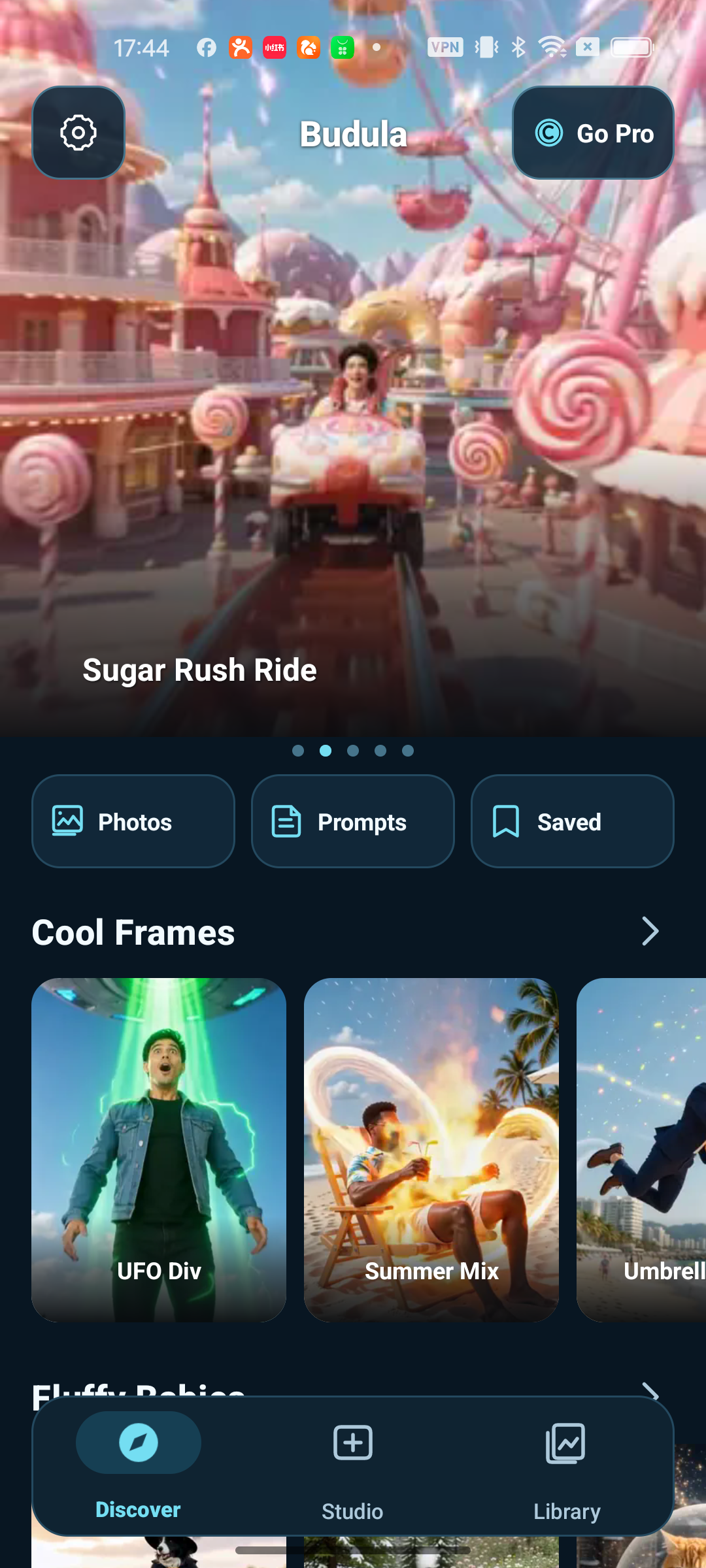
Explore a visual collection of templates. Keep a favorite for the moment inspiration arrives.
 Budula
Meet Budula. Turn a photo and a spark of an idea into something that moves.
Browse a template. Build on an idea.
Come back to what you love.
Explore a visual collection of templates. Keep a favorite for the moment inspiration arrives.
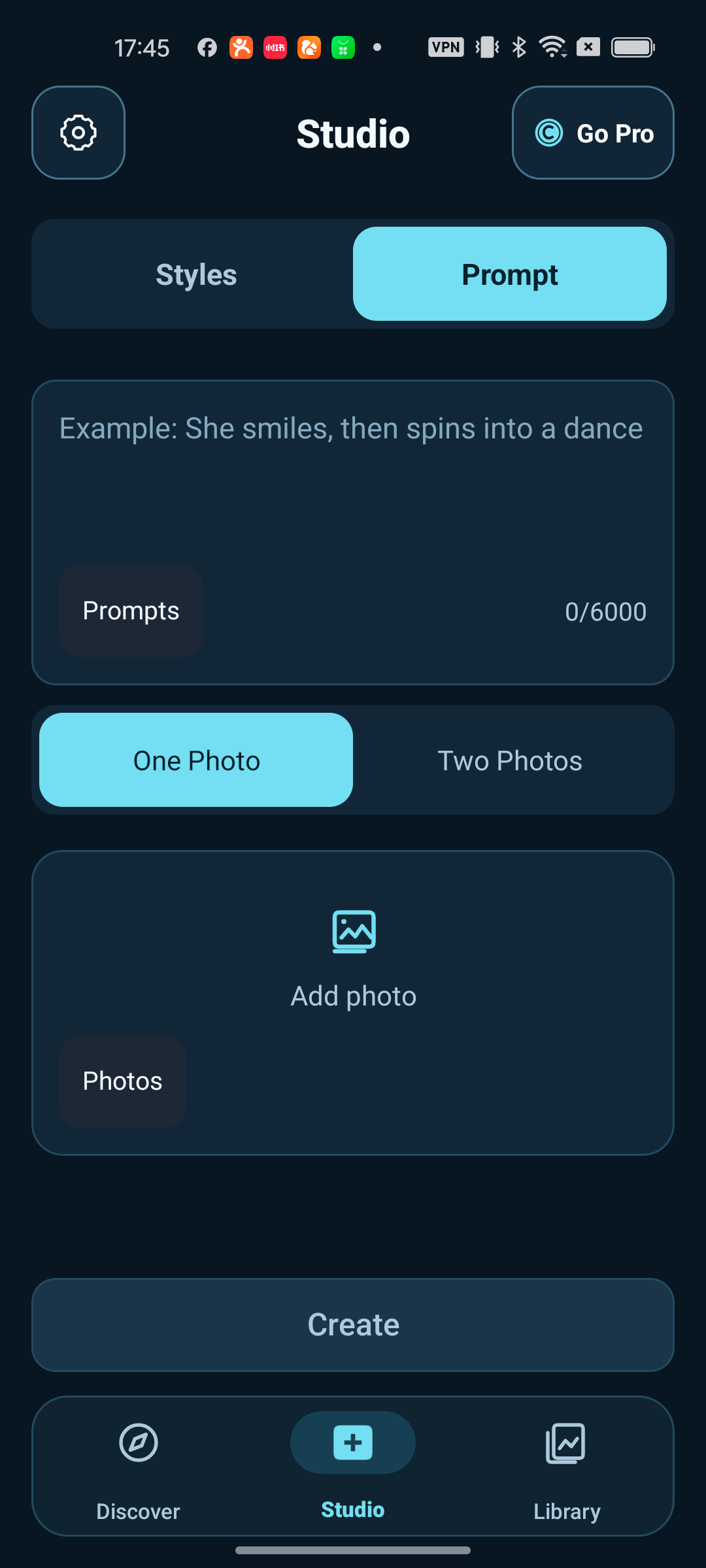
Use one photo or two. Add a prompt, revisit an earlier idea and shape your next video.
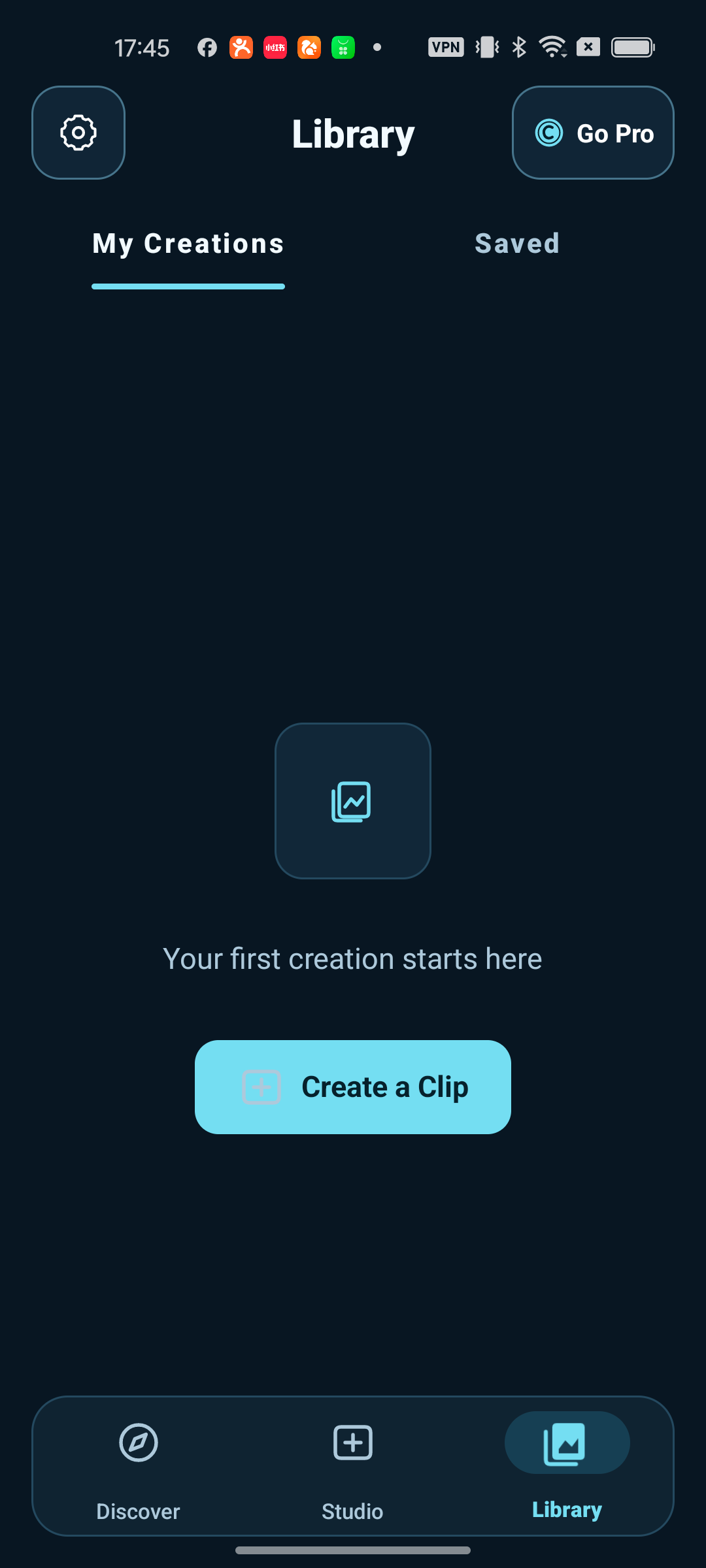
Your creations, saved templates and reusable inspiration, with a place to return to each.
Real Android app screens. Template availability and AI-generated results may vary.
Start with a template or your own prompt.
Add your images and adjust the crop.
Generate a video, then review it in Library.
Explore AI video templates and create from your own photos. The creation space also lets you add a text prompt to guide your idea.
The creation space includes one-photo and two-photo modes. The inputs available for a particular template depend on the template you choose.
Use Saved for favorite templates and Library for your creations. Photo and prompt history help you return to earlier ideas.
Yes. Loading the template catalog and generating videos require an internet connection. AI results can vary, so review them before sharing.
Contact our support team for current app availability. This website does not host an app download or take payments.
Questions, app availability or a little help along the way.